
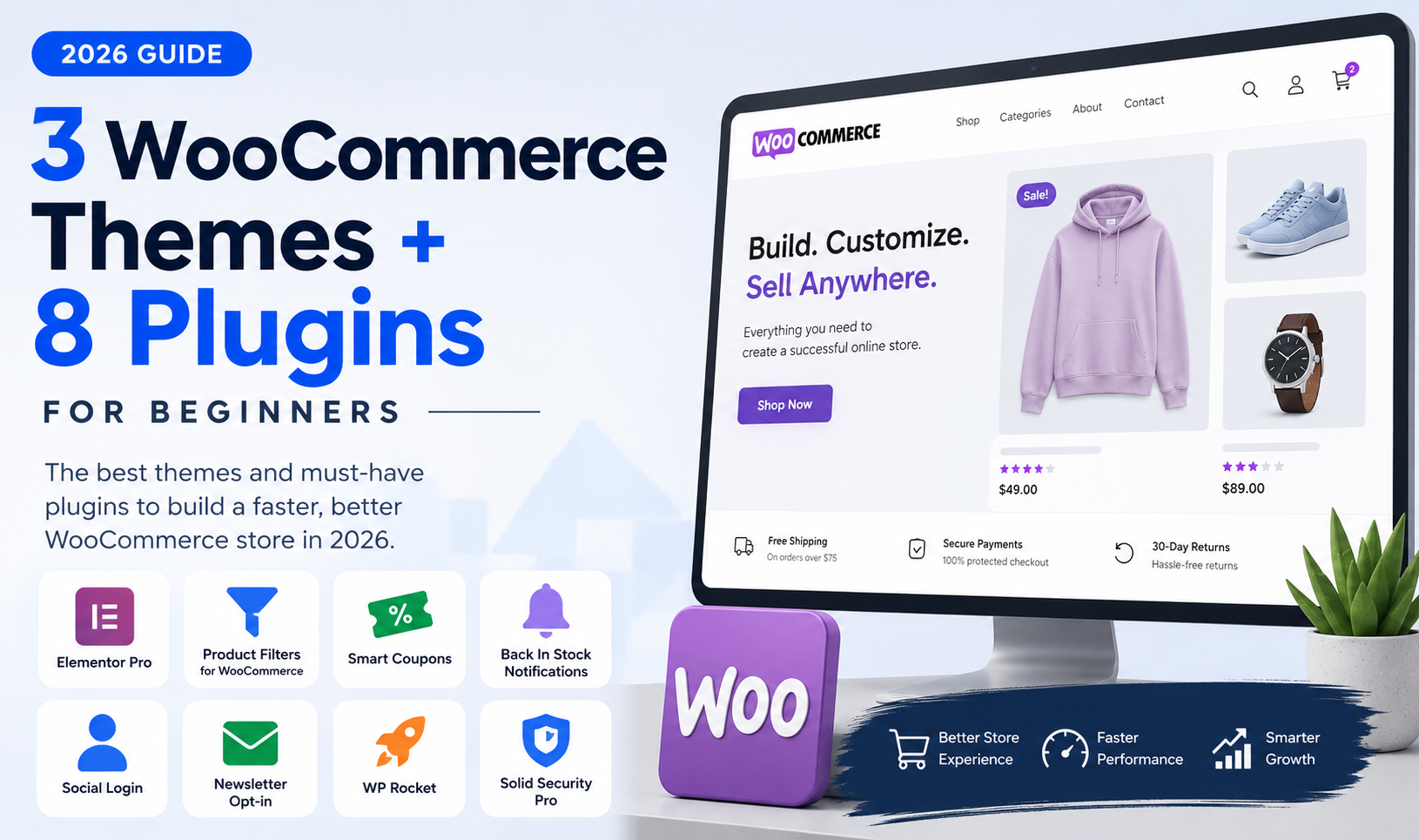
3 WooCommerce Themes and 8 Plugins Beginners Should Consider in 2026


WooCommerce themes and plugins for beginners can be confusing because there are thousands of options, and not all of them are worth adding to a new store. This guide keeps things practical with three theme directions, eight useful plugin types, and a simple way to choose tools without overloading your WooCommerce build in 2026.
The goal is not to install everything. The goal is to choose a theme that gives the store a strong visual foundation, then add plugins that solve real problems: better product browsing, stronger promotions, cleaner accounts, improved speed, safer security, and easier long-term store management.
For a new or beginner WordPress developer, that approach keeps WooCommerce easier to build, easier to explain to clients, and much less likely to become a tiny shopping-cart tornado.
Why WooCommerce Theme and Plugin Choices Matter
WooCommerce can power everything from a five-product handmade shop to a large catalog with filters, coupons, customer accounts, subscriptions, and advanced promotions. That flexibility is great, but it also creates a beginner trap: it is very easy to add tools before the store actually needs them.
The best WooCommerce themes and plugins for beginners are the ones that make a store easier to design, easier to shop, and easier to maintain. They should reduce friction, not add another settings maze with a flashlight and a sandwich.
A good theme helps your store feel consistent across the homepage, shop archive, product pages, cart, and checkout.
Useful plugins help customers browse, filter, save time, use coupons, return to stock alerts, and complete purchases with less friction.
The right tools make the store easier to maintain, optimize, secure, and grow after launch.
When comparing WooCommerce themes and plugins for beginners, focus on speed, mobile design, product browsing, checkout trust, and long-term store management. Popularity is helpful, but usefulness matters more.
3 WooCommerce Themes Beginners Should Consider in 2026
There is no single best WooCommerce theme for every store. A lightweight boutique store, a retail-heavy catalog, and a polished product brand may all need different design foundations.
Astra Pro
Astra Pro is a strong pick when you want a clean, lightweight starting point that can adapt to many store types. It works especially well for beginners who want control without starting from a bulky ecommerce theme.
- Best for: clean stores, boutique ecommerce, service-based shops, brand-first websites.
- Design advantage: flexible layouts, headers, footers, and WooCommerce styling without making the site feel crowded.
- Helpful pairing: Astra Premium Starter Templates for faster starting layouts.
Flatsome Theme
Flatsome is a good choice when the store needs a more traditional ecommerce feel with strong product grids, promotional banners, category sections, and homepage merchandising.
- Best for: retail shops, catalog-style stores, sale-heavy stores, and visual product browsing.
- Design advantage: ecommerce-focused layouts that make it easier to promote products and collections.
- Beginner benefit: less need to build every shop section from scratch.
WoodMart Theme
WoodMart is worth considering when the store needs a polished retail look, stronger catalog presentation, and a more premium ecommerce feel from day one.
- Best for: fashion, home goods, beauty, furniture, tech accessories, and larger catalogs.
- Design advantage: rich product browsing patterns and modern storefront layouts.
- Beginner benefit: helps a store feel more established without needing a fully custom design.
Worth keeping on your radar: Porto Theme can also make sense for multipurpose WooCommerce builds, especially when the project needs ecommerce plus service, portfolio, landing, or company pages under one design system.
8 WooCommerce Plugins Beginners Should Know in 2026
Plugins should be chosen around the store’s needs. A small store may not need advanced filters right away. A larger catalog probably does. A store with no email strategy does not need newsletter opt-ins yet. A store that sells out popular products probably should consider stock alerts.
A simple approach to WooCommerce themes and plugins for beginners is to start with the theme, test the shopping flow, then add plugins only where they solve a clear problem.
Elementor Pro
Elementor Pro is useful when you need custom landing pages, promotional sections, forms, popups, and more control over content layouts. It is not required for every WooCommerce store, but it can speed up visual work when used carefully.
Product Filters for WooCommerce
Product filters help shoppers narrow a catalog by category, price, attributes, size, color, or other product details. This becomes more important once a store has enough products that browsing starts to feel like a treasure hunt with no map.
WooCommerce Smart Coupons
Smart Coupons can help with store credit, gift cards, promotions, and more flexible discount campaigns. It is useful when a store is ready to move beyond simple one-off coupon codes.
WooCommerce Back In Stock Notifications
Back-in-stock alerts are helpful for stores with limited inventory, seasonal products, or items that sell out. Instead of losing the customer, the store can bring them back when the product returns.
WooCommerce Social Login
Social login can reduce account friction by letting customers log in with existing accounts. This can be helpful for repeat customers or stores where account creation feels like one more annoying checkout speed bump.
Subscribe to Newsletter for WooCommerce
Newsletter opt-ins are useful when the store has an email marketing strategy. They can help turn shoppers into subscribers and support future campaigns, launches, and seasonal promotions.
WP Rocket
Speed matters for WooCommerce. WP Rocket can help with caching and performance optimization once the store is built and you are ready to tighten load times.
Solid Security Pro
Security is not optional for a real online store. Solid Security Pro can help with login protection, hardening, and safer store management, especially when customer accounts and checkout are involved.
Quick Comparison: What Each Tool Helps With
| Tool | Main Use | Beginner Reason to Consider It |
|---|---|---|
| Astra Pro | Flexible theme foundation | Great for clean, lightweight WooCommerce builds. |
| Flatsome | Retail-focused theme design | Useful for product-heavy shops and promotional layouts. |
| WoodMart | Premium catalog presentation | Good for stores that need a polished retail look quickly. |
| Elementor Pro | Custom page and section design | Helpful for landing pages, banners, forms, and visual control. |
| Product Filters for WooCommerce | Catalog browsing | Important once a store has enough products to need filtering. |
| WooCommerce Smart Coupons | Promotions and store credit | Useful for smarter coupon and gift card campaigns. |
| Back In Stock Notifications | Inventory demand recovery | Helps bring customers back after products return. |
| WooCommerce Social Login | Account convenience | Can reduce friction for returning customers. |
| Newsletter for WooCommerce | Email audience building | Useful when email marketing is part of the store plan. |
| WP Rocket | Performance optimization | Helps improve speed after the store structure is built. |
| Solid Security Pro | Store protection | Important for login safety, admin protection, and customer trust. |
What Should a Beginner Install First?
If you are building a new WooCommerce store, do not start by installing every plugin on the list. Start with the store’s foundation.
- Pick the theme first. Choose Astra Pro, Flatsome, WoodMart, Porto, or another theme based on the kind of store you are building.
- Build the important pages. Homepage, shop, product page, cart, checkout, account, contact, and key policy pages.
- Test the shopping flow. Make sure mobile browsing, product selection, cart, checkout, and confirmation emails make sense.
- Add browsing improvements. Use filters if the catalog needs them.
- Add growth tools. Coupons, stock alerts, newsletter opt-ins, and social login should match the store’s plan.
- Optimize after the build. Performance and security should be tightened before serious traffic starts arriving.
My beginner-friendly recommendation: do not think of this as a plugin pile. Think of it as a decision path. Theme first, shopping flow second, browsing and promotions third, speed and security always.
Final Thoughts
The best WooCommerce themes and plugins for beginners in 2026 are not the ones with the longest feature list. They are the ones that make the store easier to build, easier to shop, and easier to manage after launch.
Astra Pro is great for clean and flexible builds. Flatsome is strong for traditional ecommerce layouts. WoodMart works well for polished retail-style catalogs. From there, choose plugins based on real needs: better layouts, product filters, coupons, stock alerts, social login, newsletter opt-ins, speed, and security.
Keep the build simple at first. WooCommerce is easier to improve when the foundation is clean. Add tools because they solve a problem, not because they looked lonely in the plugin drawer.
Common Questions About WooCommerce Themes and Plugins
A few quick answers for newer WordPress developers choosing WooCommerce tools in 2026.
What is the best WooCommerce theme for beginners?
Astra Pro is a strong beginner option if you want a clean, flexible base. Flatsome and WoodMart are also worth considering when the store needs a more ecommerce-focused design system from the start.
Should beginner WooCommerce developers use Elementor Pro?
Elementor Pro can be useful when you need custom landing pages, promotional sections, forms, popups, or more visual control over page layouts. It is not mandatory for every store, but it can speed up design work when used carefully.
How many WooCommerce plugins should a new store use?
Use as few as possible while still solving the store’s real needs. Start with design, checkout, performance, and security. Add marketing, filtering, coupons, and account features only when the store actually needs them.
Are product filters important for WooCommerce?
Product filters become important when shoppers need help narrowing a larger catalog by price, category, size, color, brand, or other product attributes. Small stores may not need them immediately.
What should beginners optimize after launching a WooCommerce store?
After launch, check speed, mobile usability, checkout flow, product search, category browsing, abandoned friction points, security basics, and whether customers can easily find the products they want.