
YOOtheme Pro has always sat somewhere between a WordPress theme, a visual page builder and a dynamic-content framework. With YOOtheme Pro 5, that combination has become noticeably more interesting.
The release is not simply a collection of new design elements. Many of the most useful changes tackle things site owners regularly reach for additional plugins to solve: consent management, privacy-friendly embeds, event filtering, relationships between content types, multilingual navigation and more flexible archive layouts.
And the 5.0 branch is still evolving. Recent updates have added Google Analytics Consent Mode support alongside the usual compatibility, accessibility and stability improvements.
So rather than running through every changelog item, this look at YOOtheme Pro focuses on the additions that can meaningfully change how you build and maintain a WordPress site in 2026.
The Built-In Consent Manager Is a Bigger Deal Than It Sounds
Cookie banners are rarely anyone’s favorite part of building a website. They often mean installing another plugin, matching it to the design, configuring external scripts and then figuring out what should or should not load before consent is given.
YOOtheme Pro 5 brings much of that workflow into the builder itself.
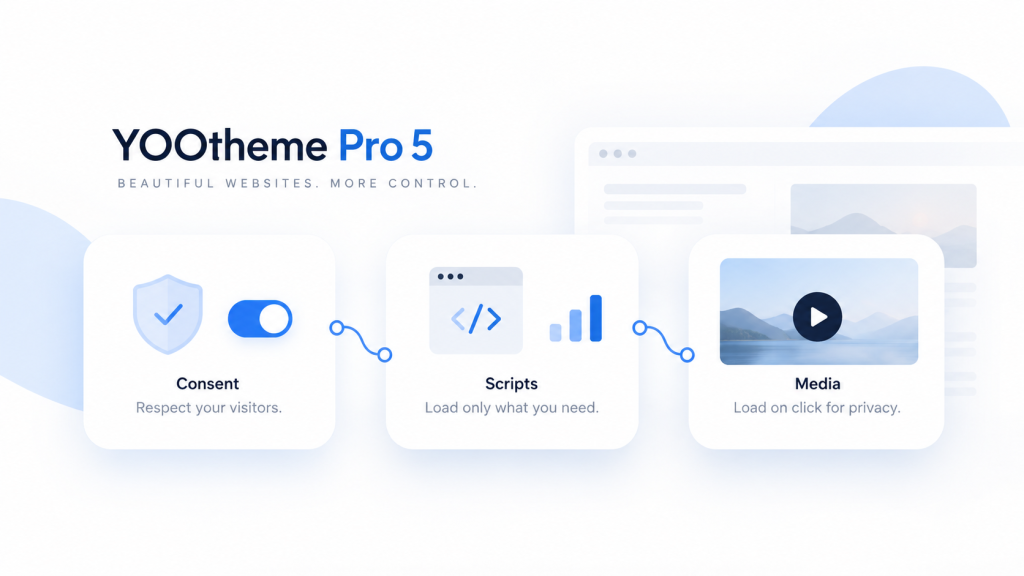
The integrated consent manager lets you organize services into categories such as functional, preferences, statistics and marketing. Visitors can accept or deny categories, manage individual services and return to their preferences later.
The banner and consent interface can also be styled alongside the rest of the site rather than feeling like a completely separate layer pasted over the design.
For WordPress users, YOOtheme also integrates with the WordPress Consent API, which gives compatible plugins a standardized way to respect the visitor’s consent state.
That does not remove the responsibility of configuring a site correctly or deciding what your particular privacy obligations are, but having the mechanism built into the same system that renders the website can simplify the technical side considerably.
Google Analytics Consent Mode Is Now Part of the Picture
The consent tools have continued to develop since the original YOOtheme Pro 5 release.
In September 2026, YOOtheme added a dedicated Google Analytics Consent Mode setting. That is particularly relevant for sites that use Google Analytics while also controlling analytics and marketing scripts through consent choices.
The important idea is that consent management is no longer being treated as a static banner feature. It is becoming part of the wider script and analytics workflow inside YOOtheme Pro.
That makes this one of the more practical areas to watch as privacy requirements, analytics platforms and browser behavior continue to change.
Videos and Maps Can Wait Until the Visitor Wants Them
YOOtheme Pro 5 also changed how external media can load.
Embedded services such as YouTube, Vimeo, Google Maps and OpenStreetMap can display a placeholder before the external resource is loaded. Depending on the setup, the actual video or map is only requested after the visitor chooses to load it.
That has two useful side effects.
First, external requests can be held back until the appropriate consent is available. Second, a page does not necessarily need to initialize a heavy video player the moment someone lands on it.
YOOtheme also supports lazy video loading as the media approaches the viewport, as well as click-to-load behavior for standard videos.
For pages filled with video backgrounds, galleries or embedded media, that can create a cleaner loading strategy than eagerly requesting everything at once.
The New Date Filter Makes Dynamic Content Much More Practical
Dynamic content has been one of YOOtheme Pro’s strongest features for a long time, but date-based content previously required more work than it should have.
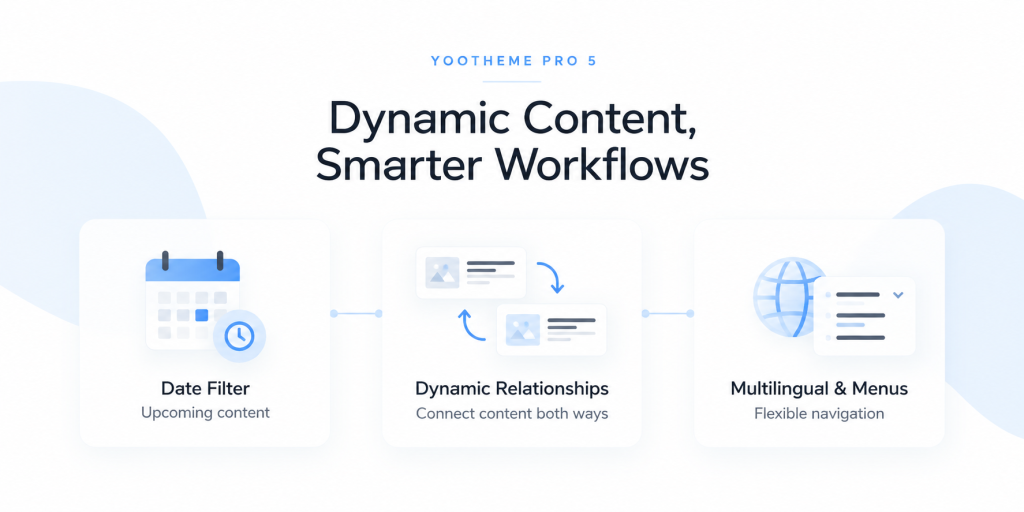
The new date filter can query content using a published date or a custom date field and then display items according to relative or fixed ranges.
That opens up practical layouts such as:
- Upcoming events over the next 30 days
- Past events or match results
- Posts from the current week or month
- Seasonal content within a fixed date range
- Archives organized around custom event dates rather than publication dates
The particularly useful part is that this works with dynamic sources, including related content and custom post types.
An events site, sports club, conference schedule or business with regularly changing date-driven content can therefore build far more of the display logic directly inside YOOtheme Pro instead of manually hiding outdated items or leaning on an extra filtering plugin.
Relationships Between Content Types Are Less Repetitive
Sites built around custom content often have information that needs to point in both directions.
An event has an organizer. The organizer page should also show that organizer’s events. A property belongs to an agent, while the agent profile should list the properties they manage.
Those relationships are easy to understand conceptually but can become repetitive to maintain.
YOOtheme Pro 5 improves the workflow around bidirectional relationships. On WordPress, it can work with Advanced Custom Fields’ bidirectional relationship capabilities, letting related data be used dynamically from either side of the connection.
That is not the flashiest addition in the release, but on content-heavy sites it may be one of the biggest time-savers.
Multilingual Navigation Feels More Native
Multilingual websites often expose one of the awkward edges of a theme or page builder. The content may translate correctly while the language selector feels bolted onto the header afterward.
YOOtheme Pro 5 adds a more integrated language-switcher workflow.
On WordPress, it works with systems such as Polylang and WPML. The switcher can live inside the normal navigation structure, display the active language as a parent item or show multiple languages alongside one another.
Because it behaves more like the rest of the YOOtheme navigation system, it becomes easier to keep the multilingual controls visually consistent with the header rather than styling a separate widget.
The New Menu Element Is Surprisingly Flexible
The Menu element is another addition that sounds simple until you start thinking about where it can be used.
Instead of relying only on the site’s primary navigation areas, menus can be placed directly inside Page Builder layouts.
They can be displayed as sidebar navigation, an accordion, a horizontal dropdown or a taxonomy-driven menu. Start and end levels can control how much of a larger menu tree appears, and menus can also be made sticky inside the layout.
That is useful for documentation, directories, larger category structures, service pages and other sites where navigation is part of the page content rather than only the header.
Scroll-Driven Color Changes Add Motion Without Rebuilding the Layout
YOOtheme Pro 5 also brings a more visual addition: custom section and column backgrounds can transition through colors as the visitor scrolls.
You can define color stops, control when the animation starts and ends and adjust the transition behavior.
Used carefully, this makes it possible to move a page through different visual moods without adding a heavy animation sequence or replacing the underlying content.
The key phrase there is used carefully. A subtle transition between sections can reinforce the design. Making every section perform a light show because the option exists is a fairly quick route to turning a polished site into a slot machine.
WordPress Archive Templates Have More Control
There are useful changes for more traditional WordPress publishing sites too.
YOOtheme Pro 5 gives archive templates more granular controls over what gets shown. Depending on the archive, you can adjust the number of posts displayed, change the ordering and prevent posts from child categories from automatically being mixed into a parent taxonomy archive.
That becomes useful when the archive itself is part of the site’s information architecture.
A service directory may make more sense alphabetically than chronologically. A category landing page may need to show its own posts separately from child categories. A team or resource directory may need completely different behavior from a normal blog archive.
These are small controls individually, but they reduce the number of cases where a custom query or workaround is needed just to make an archive behave logically.
What About WooCommerce?
YOOtheme Pro remains relevant for WooCommerce stores as well.
The builder can style and template WooCommerce areas while connecting product information to dynamic layouts. Throughout the 5.0 branch, YOOtheme has continued making compatibility and filtering improvements for WooCommerce, including product filtering and archive-related fixes.
The interesting part is that YOOtheme Pro does not treat the store as a separate design system. Product and shop layouts can follow the same global styling, typography and layout language as the rest of the website.
That can be appealing when the goal is a WooCommerce site that feels designed as one coherent project rather than a normal website with a store plugin attached to it.
Does YOOtheme Pro 5 Replace a Stack of Plugins?
Sometimes, but that should not be the goal by itself.
YOOtheme Pro 5 now covers jobs that commonly lead site builders toward separate tools: consent management, script handling, event-style date filtering, layout-based menus, dynamic relationships and privacy-aware media loading.
If those built-in tools fit the project, fewer moving parts can make maintenance easier.
But a dedicated plugin can still make sense when a project requires deeper functionality than YOOtheme provides. The useful question is not “Can I eliminate another plugin?” It is “Does YOOtheme already solve this requirement well enough that another plugin would only duplicate the job?”
That is a much healthier way to build a WordPress stack.
Who Benefits Most From YOOtheme Pro 5?
YOOtheme Pro 5 is particularly interesting for people building sites where the structure matters as much as the visual design.
That includes:
- Agencies creating repeatable client websites
- Dynamic WordPress sites built around ACF and custom post types
- Event, sports and directory sites with date-sensitive content
- Multilingual websites using Polylang or WPML
- Content-heavy sites that need custom archive and menu structures
- Sites with video, maps, analytics and other external services that need a cleaner consent workflow
If you only need a basic visual editor for a handful of static pages, many of these additions may be more capability than you need.
If the website is expected to grow, reuse structured content and remain manageable over time, the broader system starts making much more sense.
Final Thoughts
YOOtheme Pro 5 is interesting because most of its best additions are not gimmicks.
A built-in consent manager solves a real maintenance problem. On-click media can improve both privacy handling and loading behavior. Date filters make dynamic content useful for entirely new types of sites. Bidirectional relationships remove repetitive content management. Multilingual menus, stronger archives and flexible navigation fill in smaller gaps that tend to appear on larger projects.
Even several months after the original 5.0 release, the branch is still receiving meaningful improvements such as Google Analytics Consent Mode alongside ongoing accessibility, compatibility and stability work.
The result is a builder that increasingly feels less like a tool for assembling individual pages and more like a system for managing the design and content behavior of an entire WordPress site.
For people who already like YOOtheme’s clean approach to layout and dynamic content, version 5 gives considerably more reason to keep those workflows inside the same environment.